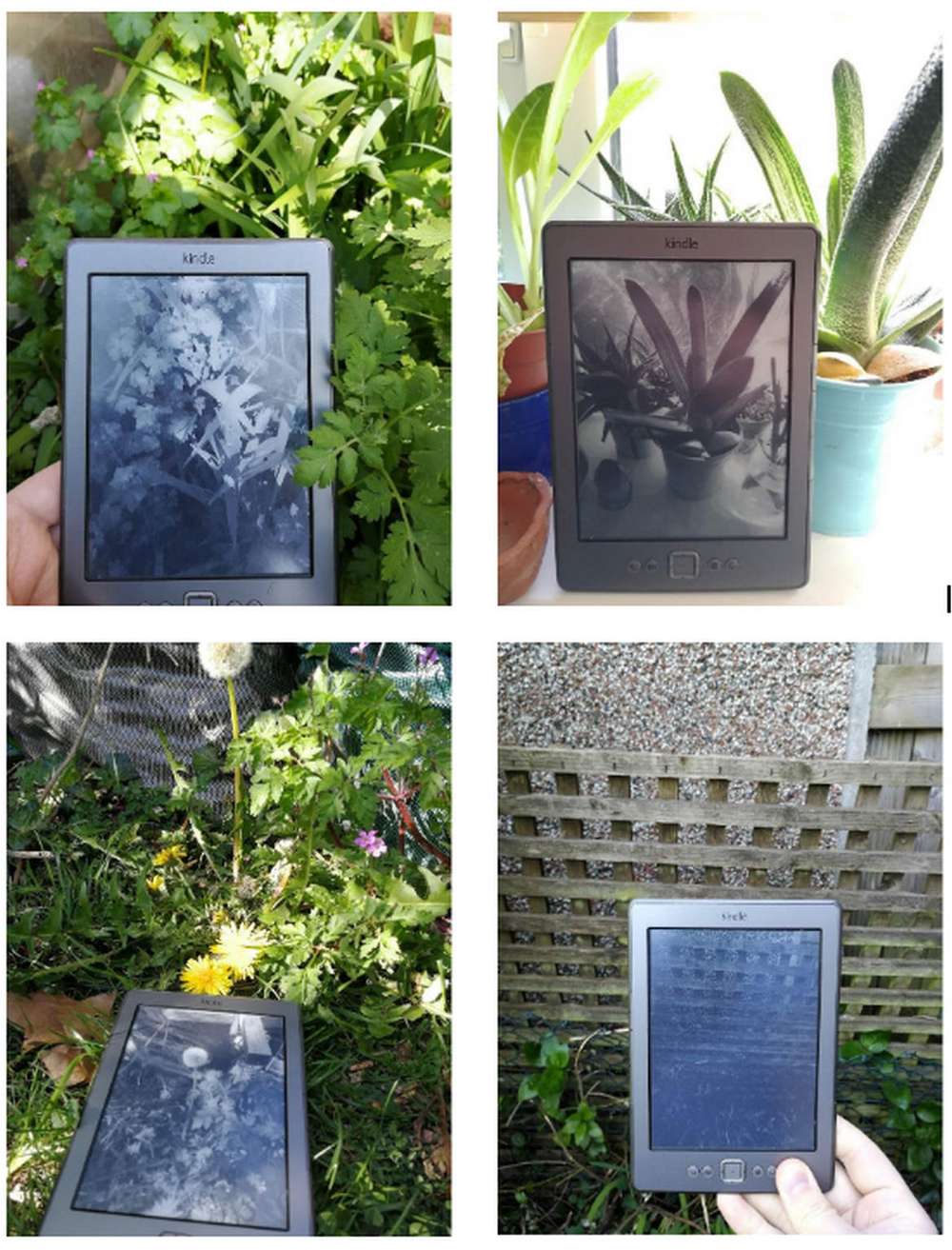
Inspired by Antony Cairns. This short script was a tiny side project during my COVID restricted masters in photography. With no access to a darkroom I experimented with obscure/misunderstood digital technologies for image-making.
The aim is to demonstrate e-ink technology as a medium for reproduction and the act of repurposing a commercial artefact for unconventional means (in this case appropriating monochrome images -the more indeterminate and abstract the better).

Originally a python script that called system commands, I rewrote the script in bash for less dependencies.
| #!/bin/bash | |
| # ----------------------------------------------------------------------------- | |
| # Info: | |
| # author: Richard Calow | |
| # file: termux-camera-to-kindle.sh | |
| # created: 21.08.2020 | |
| # revision: 21.08.2020 | |
| # version: 0.1 | |
| # ----------------------------------------------------------------------------- | |
| # | |
| # Requirements: | |
| # Termux - with API installed for camera access. Additionally, sshpass and | |
| # imagemagick packages. | |
| # | |
| # Kindle ereader - Jailbroken and with root access. | |
| # ----------------------------------------------------------------------------- | |
| # Settings | |
| kindle_user=root | |
| kindle_password=PASSWORD | |
| kindle_ip=192.168.0.42 | |
| declare -a pkgs=("sshpass" "convert") | |
| for val in "${pkgs[@]}"; do | |
| type $val >/dev/null 2>&1 || { echo >&2 "I require $val but it's not installed. Aborting."; exit 1; } | |
| done | |
| echo "Taking a photo." | |
| termux-camera-photo -c 0 file.jpg | |
| echo "Converting JPEG to a PNG, and enhance." | |
| #convert file.jpg -resize 600x800 -enhance -equalize -contrast -gravity Center -type GrayScale -depth 8 -colors 256 file.png | |
| convert file.jpg -resize 600x800 -auto-gamma -auto-level -normalize -gravity Center -type GrayScale -depth 8 -colors 256 file.png | |
| echo "Sending PNG to kindle" | |
| sshpass -p $kindle_password scp file.png $kindle_user@$kindle_ip:/mnt/base-us/ | |
| echo "Done sending, will now attempt to disable kindle processes. (If they are already turned off errors will show.)" | |
| sshpass -p $kindle_password ssh $kindle_user@$kindle_ip /ect/init.d/powerd stop | |
| sshpass -p $kindle_password ssh $kindle_user@$kindle_ip /ect/init.d/framework stop | |
| echo "Telling the kindle to display your image." | |
| sshpass -p $kindle_password ssh $kindle_user@$kindle_ip eips -g /mnt/base-us/file.png |
Besides the novelty of the process, it allowed me to understand how reproduction works on the e-ink screen, its behaviour and limitations. I found that having a strong contrast applied to images worked best, this may be down to the e-ink screen being limited to 3bit Greyscale (8 shades) -some of the lighter shades of grey lack clarity and are lost to the grey screen.
To reproduce images on the Kindle, I purposefully chose vague and abstract subject matter playing with the metaphor of culture appropriating nature. These are scans of the Kindle and image.
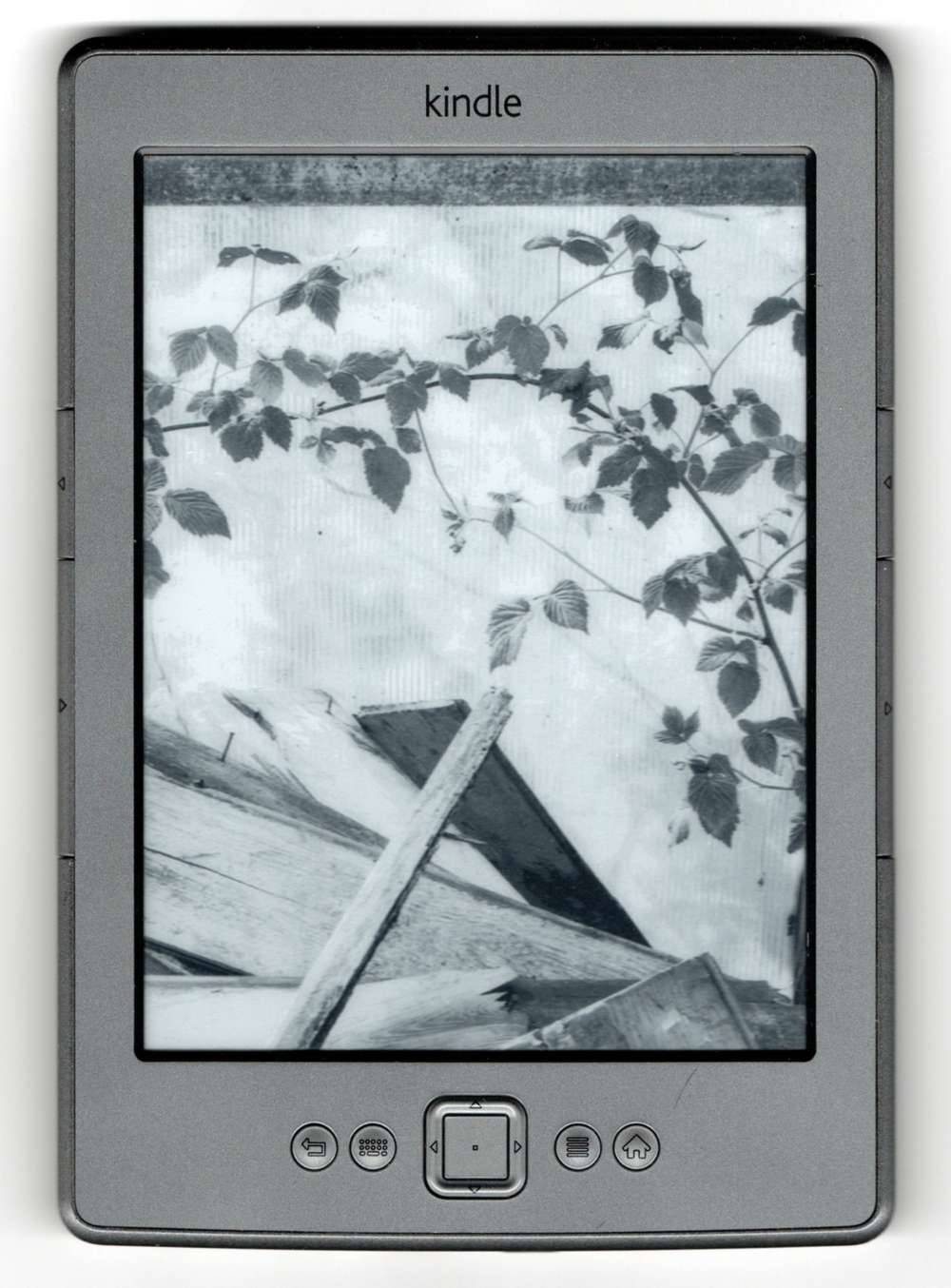
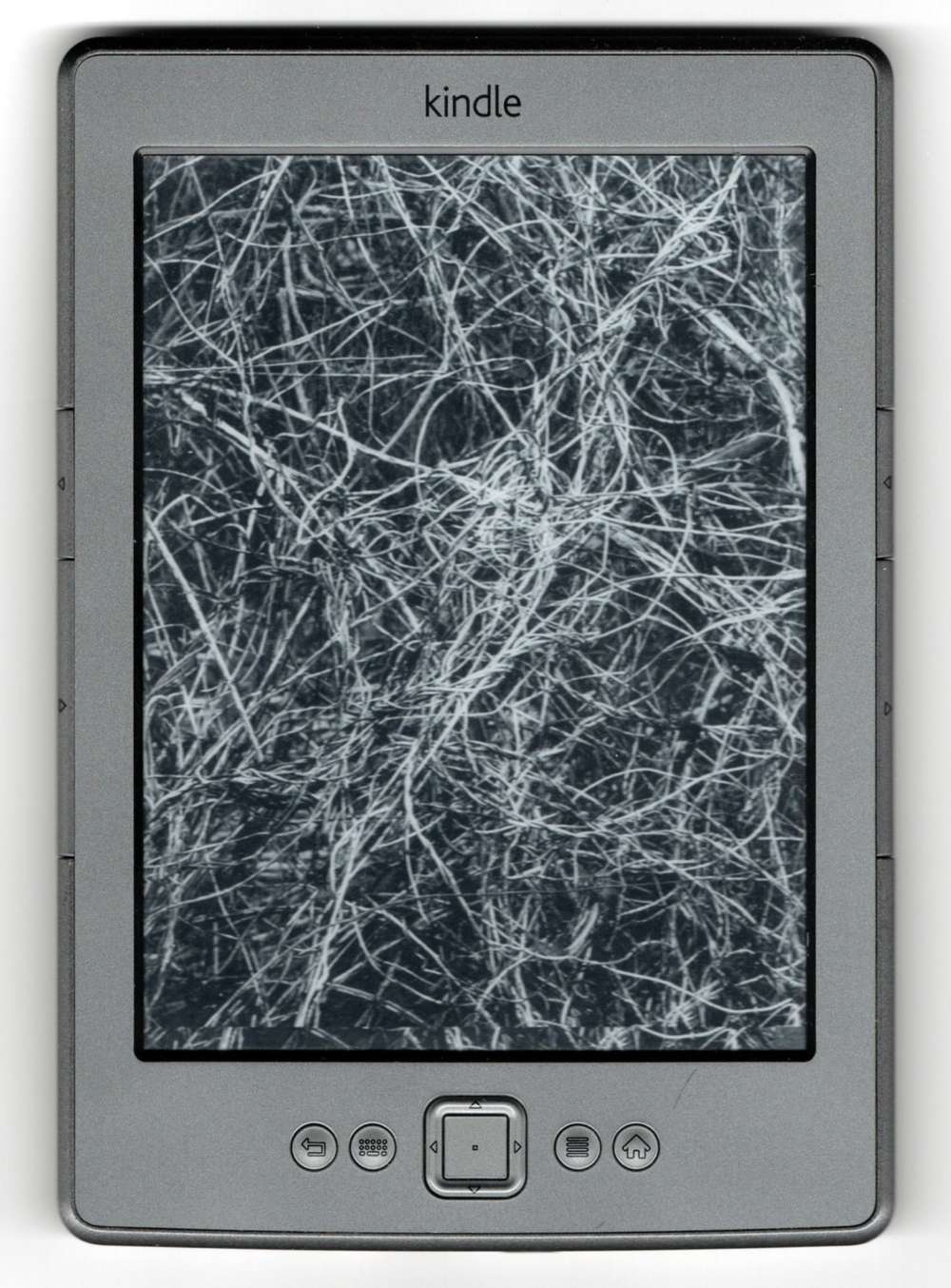
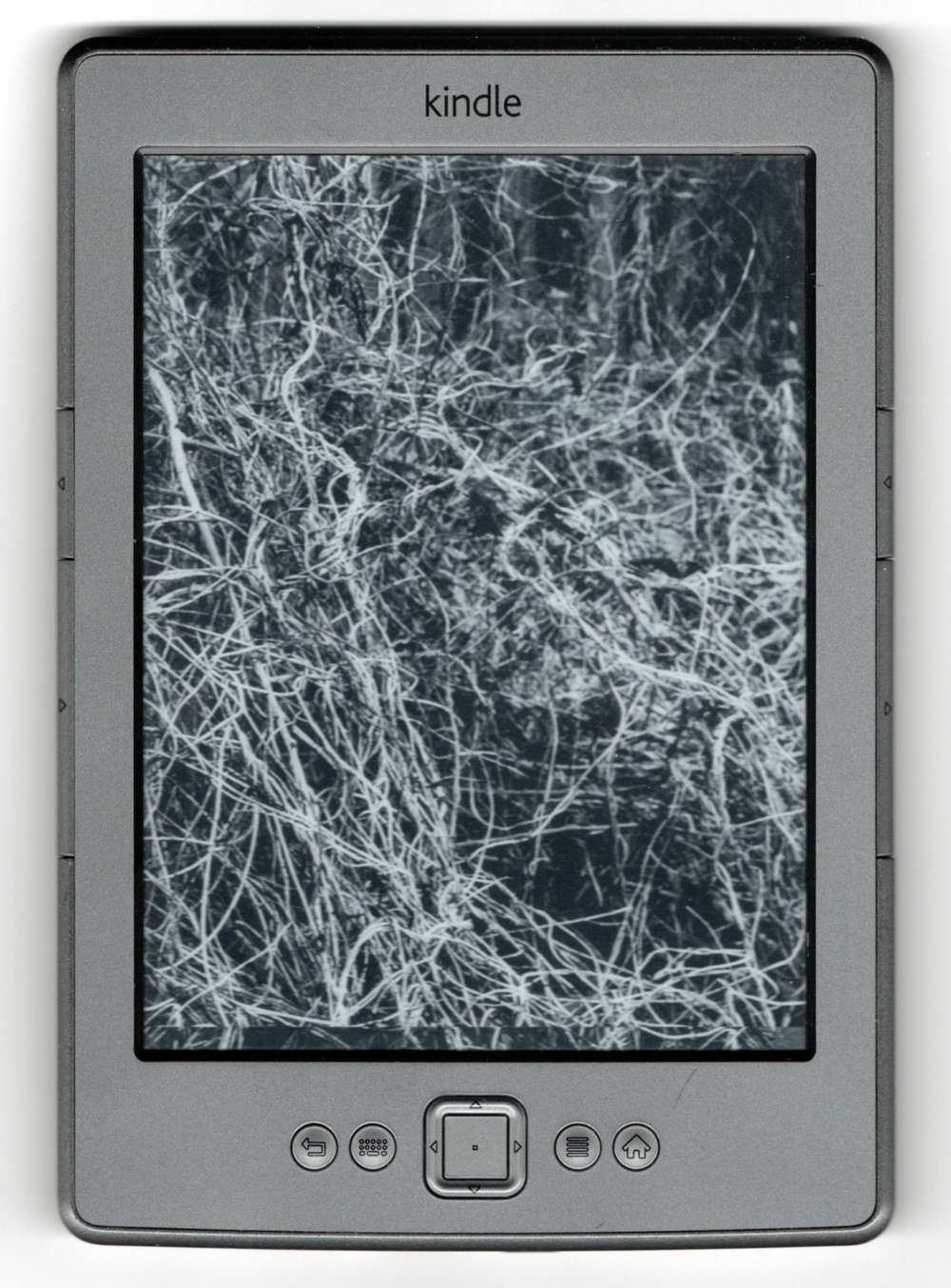
This started as a unconventional experiment during the pandemic quarantine, one that approaches {nature-culture} theme from a different approach. The more I reflect on it, the less unreasonable it becomes. The act of repurposing cultural artefact for another purpose is a subversive act, mimicking an aspect of the core theme. Additionally it offers discourse on cultural/digital appropriation of nature.